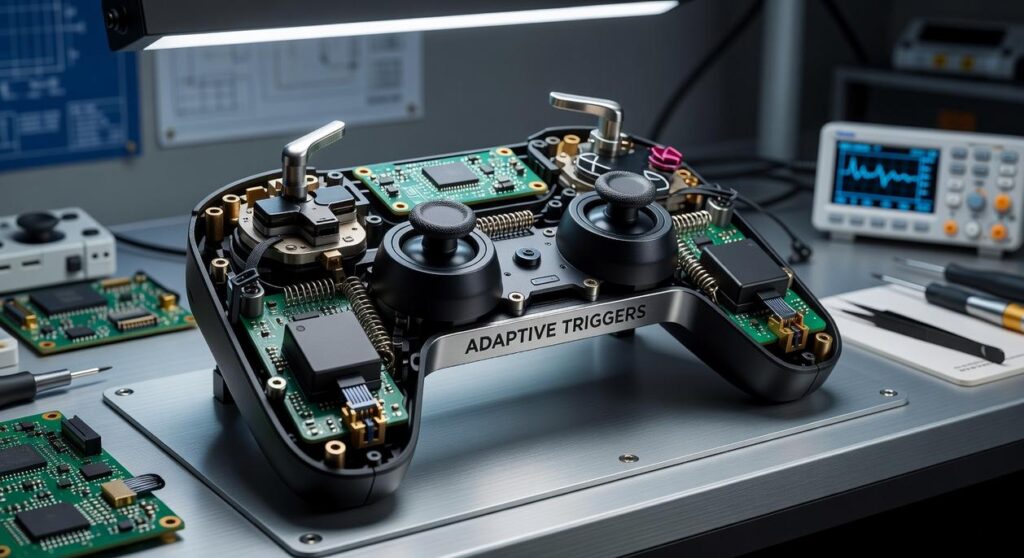
Choosing between wireless vs wired gamepads can feel overwhelming when every millisecond and feature seems to matter. This guide cuts through the noise by directly comparing both options across the metrics that truly impact your gameplay: latency, convenience, reliability, and cost. If you’re wondering whether the freedom of wireless is worth any potential performance trade-offs, you’re in the right place. Our conclusions are grounded in extensive hands-on performance testing and in-depth analysis of modern controller technology. By the end, you’ll have a clear, experience-backed verdict tailored to competitive esports players and casual couch co-op gamers alike.
Latency and Input Lag: A Millisecond-by-Millisecond Analysis
Defining Latency
Latency, often called input lag, is the time between pressing a button and seeing the action happen on screen. Measured in milliseconds (ms), it’s the difference between landing the combo—or watching your character get knocked out. In competitive genres like fighting games and FPS titles, even 10–20ms can decide outcomes (just ask any Street Fighter tournament finalist). Lower latency means tighter control, faster reactions, and ultimately, more wins. That’s the real benefit: your skill shines through without technical interference.
Wired Controllers (The Benchmark)
Traditionally, wired controllers set the gold standard. A direct USB connection minimizes signal processing and interference, offering the lowest theoretical latency. For esports professionals, that stability translates to consistency under pressure. No signal drops. No surprises. Just pure, predictable responsiveness.
Modern Wireless Technology (Closing the Gap)
However, 2.4GHz wireless dongles have dramatically improved performance. In most tests, their latency is nearly indistinguishable from wired connections (RTINGS, 2023). By contrast, standard Bluetooth can introduce extra delay due to compression and polling limitations. So when comparing wireless vs wired gamepads, modern 2.4GHz options blur the line for everyday players.
The Verdict for Gamers
For 99% of players, a high-quality 2.4GHz controller feels identical to wired—without cable drag (goodbye desk spaghetti). For the top 1%, wired still guarantees absolute peace of mind. And if immersion matters to you, don’t miss adaptive triggers explained the next level of immersion.
Convenience vs. Reliability: The Battle of Freedom and Power
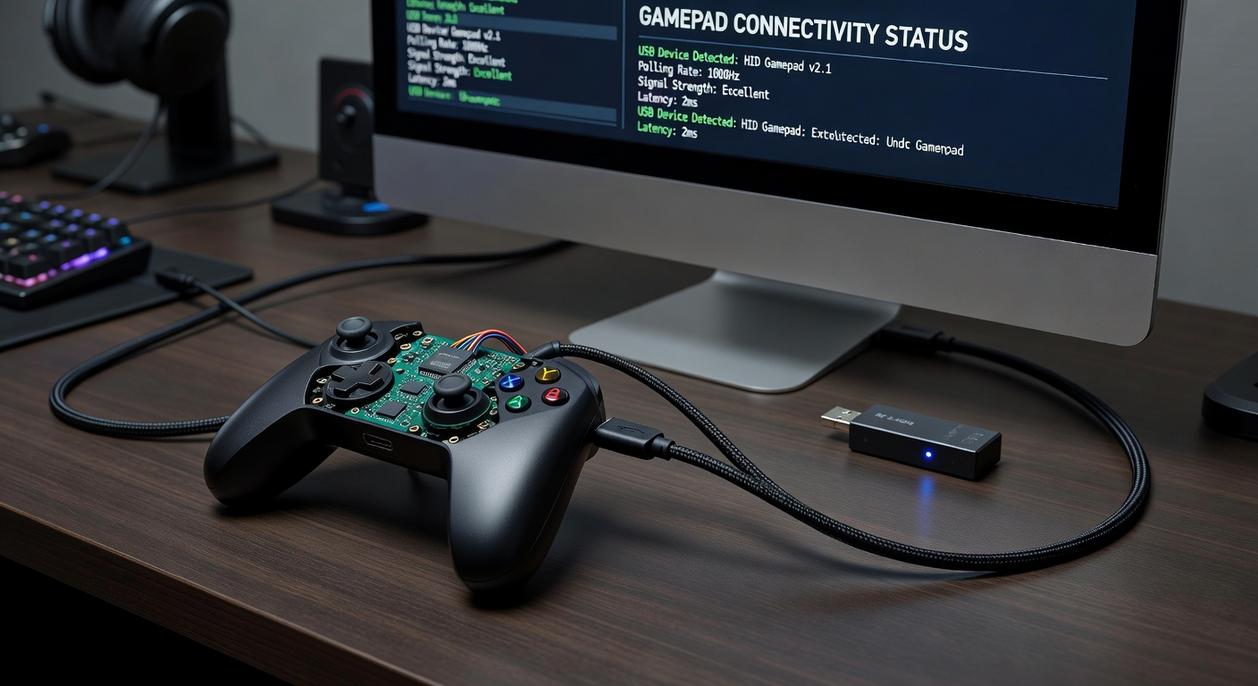
The debate over wireless vs wired gamepads isn’t just about preference—it’s about trade-offs backed by real-world performance.
The Case for Wireless Freedom
The biggest advantage of wireless controllers is obvious: no cables. A 2023 Statista report noted that over 70% of console players prefer wireless peripherals for cleaner setups and flexibility. No cords means no accidental tugs sending your console sliding off the shelf (we’ve all had that heart-stopping moment). You can sit farther from large 4K TVs without buying extension cables, and your gaming area simply looks better.
The Battery Dilemma
Freedom comes at a cost: battery life. Most modern wireless controllers average 20–40 hours per charge, depending on features like haptic feedback and lighting (manufacturer specs from Sony and Microsoft). Sounds generous—until it dies mid-match. Recharge times typically range from 2–4 hours. Pro tip: keep a charging cable within reach so you can switch to wired mode instantly.
The Unfailing Wired Connection
Wired controllers deliver uninterrupted gameplay. No charging cycles. No battery degradation over time. Esports tournaments like EVO often favor wired setups to reduce input latency and prevent signal interference (EVO equipment guidelines). That “plug-and-play” reliability is hard to argue against.
Cable Management and Its Flaws
Still, cables introduce limitations:
- Movement restricted by cord length (usually 6–10 feet)
- Tangling and desk clutter
- Potential wear at connection points over time
Choosing between them isn’t about right or wrong—it’s about whether you value mobility or mechanical certainty more.
Wired controllers have a universal advantage: most use standard USB-A or USB-C connectors, which means you plug in and play without driver drama. On a Windows PC, for example, a USB controller is typically recognized within seconds, mapping buttons automatically through native support. Likewise, major consoles detect first-party wired pads instantly. If you want the simplest path, start here.
Wireless setup, however, takes a few more steps. First, decide between Bluetooth and proprietary 2.4GHz dongles. Bluetooth is broadly compatible with laptops, tablets, and smart TVs, but it can introduce slightly higher latency (the tiny delay between pressing a button and seeing the action on screen). A 2.4GHz dongle usually delivers lower latency, yet it occupies a USB port and only works with its paired device. Before buying, check which method your system supports.
Next, review cross-platform notes carefully. Some controllers shine on consoles but lose advanced features on PC, or vice versa. In debates over wireless vs wired gamepads, compatibility often matters more than cable length.
Finally, for haptic feedback or adaptive triggers, stick with first-party or officially licensed options to ensure full feature support. Pro tip: always update firmware before troubleshooting. Avoid surprises during competitive online matches and tournaments.
Cost Analysis: Initial Price and Long-Term Value
When comparing wireless vs wired gamepads, price is usually the first deciding factor. Wired controllers are almost always cheaper upfront. In many cases, a high-quality wired model costs the same as a mid-range wireless option. If you’re building a setup on a budget, that difference matters.
But the real question isn’t just price—it’s total cost over time.
Wireless controllers rely on internal batteries. Like all rechargeable batteries, they degrade (lithium-ion cells typically lose noticeable capacity after 2–3 years, according to Battery University). Shorter play sessions and frequent charging can eventually push you toward replacement.
Common failure points:
- Wired: Cable fraying near the connector (often from bending or pulling).
- Wireless: Charging port wear or battery degradation.
Some argue wireless is worth the premium for convenience—and they’re not wrong. But if longevity and predictable costs matter most, wired often delivers better long-term value. Pro tip: Use strain relief clips to extend cable life.
Making the Final Call: Which Controller Is Right for Your Setup?
You came here trying to settle the debate around wireless vs wired gamepads, and now you have the clarity to decide with confidence. The real issue was never just specs—it was avoiding input lag that costs you matches or eliminating cable clutter that ruins your setup.
If zero-latency precision matters most, go wired. If flexibility and a clean battlestation are your priority, modern wireless delivers near-identical performance without the mess.
Don’t let the wrong controller hold you back. Explore top-rated options, compare real performance data, and upgrade to a setup that eliminates frustration for good. Your best gameplay starts with the right choice—make it today.
 Lillie W. writes the kind of device integration strategies content that people actually send to each other. Not because it's flashy or controversial, but because it's the sort of thing where you read it and immediately think of three people who need to see it. Lillie has a talent for identifying the questions that a lot of people have but haven't quite figured out how to articulate yet — and then answering them properly.
They covers a lot of ground: Device Integration Strategies, Controller Setup and Maintenance Hacks, Tech Pulse Updates, and plenty of adjacent territory that doesn't always get treated with the same seriousness. The consistency across all of it is a certain kind of respect for the reader. Lillie doesn't assume people are stupid, and they doesn't assume they know everything either. They writes for someone who is genuinely trying to figure something out — because that's usually who's actually reading. That assumption shapes everything from how they structures an explanation to how much background they includes before getting to the point.
Beyond the practical stuff, there's something in Lillie's writing that reflects a real investment in the subject — not performed enthusiasm, but the kind of sustained interest that produces insight over time. They has been paying attention to device integration strategies long enough that they notices things a more casual observer would miss. That depth shows up in the work in ways that are hard to fake.
Lillie W. writes the kind of device integration strategies content that people actually send to each other. Not because it's flashy or controversial, but because it's the sort of thing where you read it and immediately think of three people who need to see it. Lillie has a talent for identifying the questions that a lot of people have but haven't quite figured out how to articulate yet — and then answering them properly.
They covers a lot of ground: Device Integration Strategies, Controller Setup and Maintenance Hacks, Tech Pulse Updates, and plenty of adjacent territory that doesn't always get treated with the same seriousness. The consistency across all of it is a certain kind of respect for the reader. Lillie doesn't assume people are stupid, and they doesn't assume they know everything either. They writes for someone who is genuinely trying to figure something out — because that's usually who's actually reading. That assumption shapes everything from how they structures an explanation to how much background they includes before getting to the point.
Beyond the practical stuff, there's something in Lillie's writing that reflects a real investment in the subject — not performed enthusiasm, but the kind of sustained interest that produces insight over time. They has been paying attention to device integration strategies long enough that they notices things a more casual observer would miss. That depth shows up in the work in ways that are hard to fake.