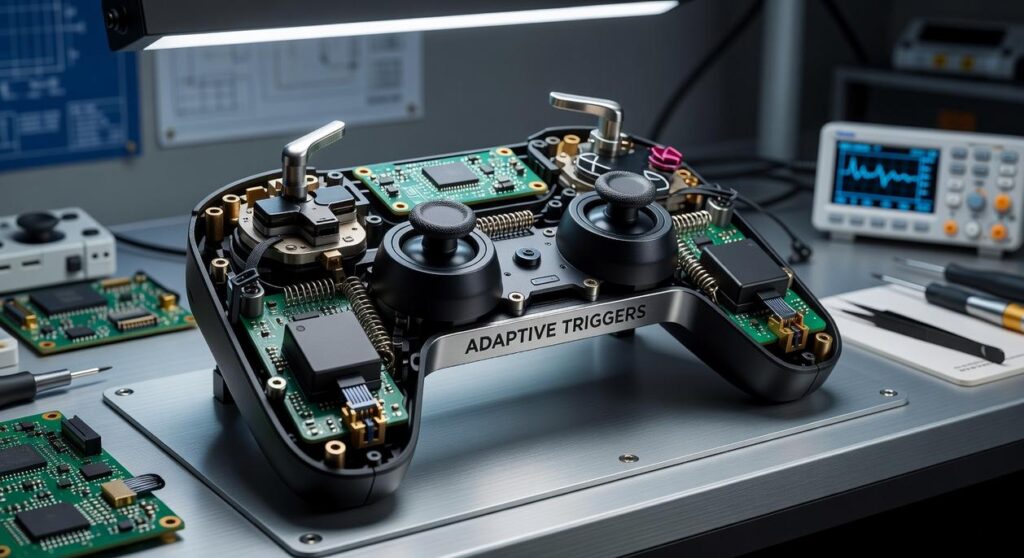

Ever tried playing a game and the controls just felt… off? Yeah, I’ve been there. The world of gaming is constantly shifting, and keeping up can be a pain.
You hear about the analog digital gamepad and wonder, is it worth the switch? You’re not alone. Understanding the tech behind these gadgets isn’t just for the tech geeks.
It’s for anyone who wants a smoother, more intuitive gaming experience.
But here’s the kicker: not all gamepads are created equal. If you’re thinking about upgrading, you need reliable info. we come in. We’ve scoured the tech pulse, dug into gamepad basics, and looked at innovations.
We don’t sugarcoat. You’ll get the raw takeaways you need. This article will cover device integration, compatibility issues, and why some gamepads are game-changers.
Trust me, by the end, you’ll know exactly what you need to raise your gaming setup.
Defining the Classic: What Makes a Controller ‘Traditional’?
When I think of a traditional controller, I start with the D-Pad. It’s not just any directional pad. It’s an 8-way digital input, and its precise clicks have guided my thumbs through so many levels.
You know, Nintendo even patented it (which) probably explains why it became the gold standard for 2D movement.
Then, there are the face buttons. Those classic A/B or the later A/B/X/Y setups, which we all know and love. These buttons are the heart of any gamepad, letting you jump, shoot, and interact in every game.
They’re digital too, meaning they’re either on or off. None of that in-between nonsense we see with analog controls (but we’ll get to those another time).
Start and Select? They may seem boring, but they’re the unsung heroes for pausing and menu navigation. Every controller had them (and thank goodness for that).
So, what makes a controller “traditional”? It’s the straightforwardness. The reliability of digital input.
It’s about simplicity over the complexities of an analog digital gamepad. Speaking of which, if you’re curious about how technology has evolved to include features like haptic feedback, check out this understanding haptic feedback modern controllers. It’s a whole new world out there.
The Controller Evolution: From NES to SNES
Remember the first time you held an NES controller? It was a game-changer. Literally.
The simple D-pad and A/B buttons? That was all you needed to dive into the pixelated worlds of Mario and Zelda. It wasn’t just a controller; it was the first real gamepad.
The feel of that rectangular block in your hands was the start of something big.
Then came the SNES, taking things up a notch. Suddenly we had X and Y buttons (mind) blown. And those shoulder buttons (L/R)?
What were they even for at first? But they opened up a whole new world of gameplay. Games were getting bigger, better, more complicated.
You needed more inputs to manage everything. Running, jumping, shooting, and holding an item all at once? Yeah, you needed those extra buttons.
The SNES controller was genius. Its ‘dog bone’ shape fit perfectly in your hands, making gaming sessions more comfortable. Competitors took notes.
They had to. The ‘boomerang’ design set the bar for what a controller should be (ergonomic) yet packed with functionality.
And let’s not forget the analog digital gamepad shift that followed. Controllers today might be all about joysticks and triggers, but it started with this evolution. It’s fascinating how these little plastic devices have shaped our gaming experiences.
Who would’ve thought that a couple of extra buttons would make such a difference? This was the blueprint, the standard that everyone else would follow. It’s a how innovation starts small but changes everything.
Entering the Third Dimension: Analog Stick and Rumble Revolution
Remember the days of the D-pad? I do. It was the go-to, the standard for controlling your analog digital gamepad.
But it was a blunt instrument in a world that suddenly craved nuance. Games were hurtling into the third dimension, and players needed precision. We had to move in ways that flat, two-dimensional controllers couldn’t support.
Enter the Nintendo 64.
Imagine gripping the weirdly shaped, three-pronged thing for the first time. The magic was in the middle. An analog stick that allowed us, finally, to creep forward or sprint madly.
You see, by offering degrees of movement, it changed how we interacted with video games forever. Game design flourished, suddenly free to explore the world of curved edges and hidden corners.
And then Sony’s DualShock came along, setting the new bar. Two analog sticks (because why not double down on a good thing). Moving the player with one hand, tweaking the camera with the other.
Genius. This was the new standard. We had a way to fully engage with those 3D worlds.
It wasn’t just about movement anymore. It was about seeing and controlling in unison. Suddenly, we could peek around corners or admire the sky.
All possible without removing a finger from the action.
But don’t forget the rumble. Oh, the rumble! DualShock didn’t just let you play; it let you feel.
You could experience the thrill of an explosion or the subtle vibration of an engine. It rocked our world (literally) and made gaming more visceral. That controller was game-changing, a full-body experience in your hands.
Our understanding of game interactions now hinges on these innovations. And as tech evolves, we’re seeing new roles for gamepads and connectivity features like Bluetooth gamepad connectivity. These advances continue to shape the way we experience digital worlds today.
Is there a better way to feel that rush? I doubt it.
Cutting the Cord: Wireless Freedom and Ergonomics
Remember gaming in the early 2000s? It was like a circus of tangled cords. PlayStation 2, Xbox, GameCube.
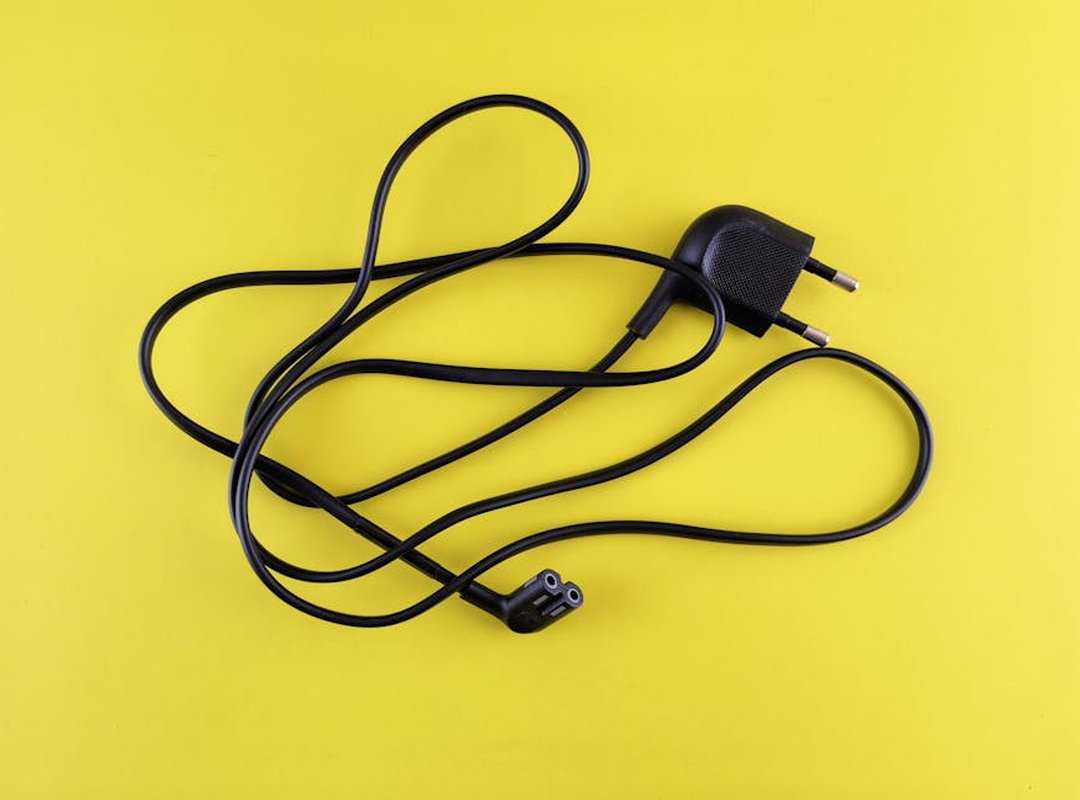
Consoles that shackled us to the TV with wires. Then came liberation. The Xbox 360 and PS3 era broke those chains, making wireless the default.
No more tripping over cords. No more sitting on the floor.
But it wasn’t just about freedom from wires. Controllers transformed too. Early gamepads were blocky and awkward.
Ever try to hold one for hours? Torture. With Xbox 360 and DualShock 3, comfort became king.
Sculpted grips fit like a glove, letting you play longer without cramping up. It was gaming evolution.
The standard controller layout solidified during this time. Dual sticks, a D-pad, four face buttons, shoulder triggers. It became the rule, not the exception.
The analog digital gamepad became a thing of beauty.
That setup? It’s still how we play today. Why mess with perfection?
Now, here’s something you might not have thought about: the triggers. There’s a big difference between analog triggers and digital triggers. One’s all about precision; the other’s about simplicity.
Both have their place, but analog gives you that subtle control, perfect for racing games.
All these changes weren’t just tweaks; they were leaps forward. We took for granted the pain-free, immersive gaming experience. Before, you just endured it.
Now, we expect ergonomics and wireless freedom as standard. And frankly, we wouldn’t have it any other way. Gaming’s come a long way, hasn’t it?
Tech Echoes: Tradition in Modern Controllers
When you pick up an Xbox Series or PlayStation 5 controller, you’re holding history. The traditional digital game controller didn’t vanish; it evolved. You see the same design roots from the old SNES and DualShock.
Sure, there are tweaks like touchpads and share buttons. But let’s be real. The core layout hasn’t changed much.
It’s like the analog digital gamepad is the backbone of gaming. Advanced haptics and fancy features don’t replace the original button placement. They just add flavor.
This lineage is clear. Our gaming past is right there, every time you hit start.
Level Up Your Gamepad Knowledge
You’ve seen the journey from simple D-pads to today’s marvels. Understanding this evolution elevates your appreciation for the analog digital gamepad in your hands. Curious about more?
Dive into our articles on modern innovations or device compatibility. Discover the tech pulse updates you need. Ready to learn more?
 Lillie W. writes the kind of device integration strategies content that people actually send to each other. Not because it's flashy or controversial, but because it's the sort of thing where you read it and immediately think of three people who need to see it. Lillie has a talent for identifying the questions that a lot of people have but haven't quite figured out how to articulate yet — and then answering them properly.
They covers a lot of ground: Device Integration Strategies, Controller Setup and Maintenance Hacks, Tech Pulse Updates, and plenty of adjacent territory that doesn't always get treated with the same seriousness. The consistency across all of it is a certain kind of respect for the reader. Lillie doesn't assume people are stupid, and they doesn't assume they know everything either. They writes for someone who is genuinely trying to figure something out — because that's usually who's actually reading. That assumption shapes everything from how they structures an explanation to how much background they includes before getting to the point.
Beyond the practical stuff, there's something in Lillie's writing that reflects a real investment in the subject — not performed enthusiasm, but the kind of sustained interest that produces insight over time. They has been paying attention to device integration strategies long enough that they notices things a more casual observer would miss. That depth shows up in the work in ways that are hard to fake.
Lillie W. writes the kind of device integration strategies content that people actually send to each other. Not because it's flashy or controversial, but because it's the sort of thing where you read it and immediately think of three people who need to see it. Lillie has a talent for identifying the questions that a lot of people have but haven't quite figured out how to articulate yet — and then answering them properly.
They covers a lot of ground: Device Integration Strategies, Controller Setup and Maintenance Hacks, Tech Pulse Updates, and plenty of adjacent territory that doesn't always get treated with the same seriousness. The consistency across all of it is a certain kind of respect for the reader. Lillie doesn't assume people are stupid, and they doesn't assume they know everything either. They writes for someone who is genuinely trying to figure something out — because that's usually who's actually reading. That assumption shapes everything from how they structures an explanation to how much background they includes before getting to the point.
Beyond the practical stuff, there's something in Lillie's writing that reflects a real investment in the subject — not performed enthusiasm, but the kind of sustained interest that produces insight over time. They has been paying attention to device integration strategies long enough that they notices things a more casual observer would miss. That depth shows up in the work in ways that are hard to fake.