
Ever feel like your standard game controller is holding you back? As if it’s somehow limiting your precision or speed? You’re not alone.
Many gamers share that frustration. But what if I told you there’s a way to open up your controller’s hidden superpowers? That’s right.
By diving into game controller firmware updates, you can transform your existing hardware into a high-performance, custom-tuned device. I’ve spent years exploring peripheral technology and watching gamepad innovations evolve. And let me tell you, the changes are impressive.
In this article, I’ll explain what game controller software enhancements are, which types matter most, and how to start using them. You’ll leave knowing how to gain a competitive edge or craft a more immersive experience. Ready to level up?
Beyond Default Settings: Unlocking Software Enhancements
Let’s talk about software enhancements. Think of them like tuning a car’s engine. You tweak the settings for a burst of speed, but nothing physical changes.
The main difference? Hardware mods are physical changes (like custom buttons). Software tweaks are invisible yet solid.
Why do we bother with these enhancements? Simple. It’s about bridging the gap between what you want to do in a game and how the game actually responds.
Imagine having greater control and customization at your fingertips. With these changes, you get efficiency without even breaking a sweat.
Have you ever thought about where these tools come from? They’re often provided by the console makers themselves, like Sony or Microsoft, or platforms like Steam. But don’t ignore those crafty third-party developers.
They’ve got their own tricks up their sleeves.
Now, let’s address game controller firmware updates. They’re the unsung heroes of your gaming experience, slowly working behind the scenes. And while we’re here, don’t forget about cleaning game controllers prolonged use.
It’s not just about the software. Keeping your gear clean matters too.
In the end, these enhancements give us more than just a better gaming experience. They offer a chance to play our way. Isn’t that what we all want?
The Modern Gamer’s Toolkit: Key Types of Controller Enhancements
Precision and Responsiveness
In gaming, precision is king. Ever tried sniping in a first-person shooter and missed because your aim jittered? adjusting stick deadzones and sensitivity curves comes in. By tweaking these, you can fine-tune your aim and movement.
For instance, a linear curve offers a consistent response, while an exponential curve provides quicker movement with less stick movement.
Stick deadzones help eliminate stick drift, ensuring your aim stays steady. Competitive shooter players will find these adjustments useful for improving accuracy. It’s like having a precision instrument instead of a clunky tool.
Automation and Efficiency
Let’s talk automation. Imagine you’re in the middle of an intense fighting game and need to pull off a complex combo. You can’t afford to fumble with buttons.
Button remapping and creating macros make life easier by saving time and reducing input complexity.
Macros let you execute a sequence with one button press. It’s fast. Turbo and rapid-fire functions do the same by automating repetitive actions, like firing continuously in a shooter.
These enhancements turn overwhelming tasks into simple ones, perfect for gamers who value efficiency.
Immersion and Feedback
Now, immersion is what turns gaming into a real experience. Software that customizes haptic feedback makes you feel every explosion and rumble. You can even simulate adaptive trigger effects, making your generic controller feel like a high-end device.
For role-playing games or any immersive experience, enhancing feedback can deeply enrich your gaming sessions. Who wouldn’t want a more tactile connection to their game world? It’s like feeling the roar of a virtual engine in a racing game.
For those who thrive on immersion, these enhancements are a game-changer.
To wrap it up, each of these controller enhancements can raise your gaming experience. Game controller firmware updates are key for accessing these features. Whether you’re aiming for precision, craving efficiency, or seeking immersion, there’s plenty to gain.
Pro tip: Always keep your firmware updated. It ensures you’re getting the most out of your controller. So, what’s your next move?
Supercharge Your Gamepad: Top Software Picks
Let’s talk about gamepad software. You know, the kind that takes your gaming experience from meh to wow. First up, Steam Input.
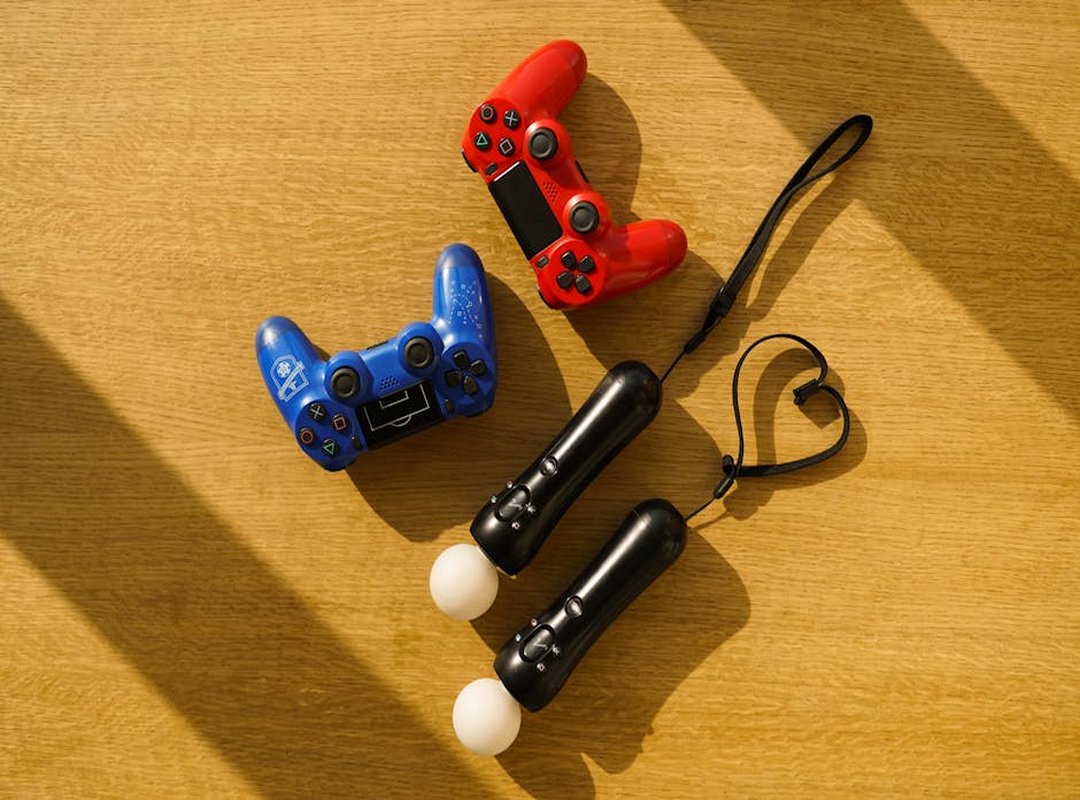
If you’re a PC gamer, this one’s a no-brainer. It’s free for Steam users and comes with deep integration. You get a ton of community-created profiles.
It’s like having a buffet of setups to choose from. Perfect for those just starting out with PC gaming. Why reinvent the wheel when someone else already did the work?
Now, if you want to go big, there’s reWASD. It’s not free, but it’s solid. Think of it as the for your gamepad.
You can remap any device (yes, even keyboards and mice) to your controller. Plus, it has extensive macro capabilities. Ideal for power users who want total control.
Why settle for less when you can have more?
Then there’s DS4Windows. This one’s a must if you’re using a PlayStation controller on a PC. It unlocks the touchpad and lightbar for custom functions.
Community-driven, it’s got a specific use case but does it well. If you’re tired of your PS4 controller feeling out of place on a PC, this is your fix.
Game controller firmware updates are key too, but that’s another story. For now, focus on the software. It’s what makes the difference between a good and a great gaming session.
Curious about how to fine-tune your setup even more? Check out this Calibrating Game Controllers Guide. It’s a great resource for getting everything just right.
In the end, it’s all about what you want from your gamepad. Do you want simplicity or total customization? The choice is yours, and these tools will help you get there with ease.
The Future is Smart: AI and the Next Wave of Enhancements
AI is creeping into every corner of tech, and game controllers aren’t spared. Imagine your controller’s software automatically switching layouts as you shift from driving to on-foot combat. Changing profiles could be a game-changer.
Plus, AI-assisted calibration is here to make your life easier. Who doesn’t want software that learns your playstyle and suggests optimal sensitivity or deadzone settings? It’s like your controller becomes an extension of your mind.
But let’s not ignore the elephant in the room: ethics in competitive gaming. With AI, there’s a risk of leveling the playing field to an unfair degree. Are we opening Pandora’s box with this tech?
While exciting, these developments mean firmware updates will be key. Game controller firmware updates will play a key role in integrating these AI-driven features. So, should we embrace this futuristic leap in gaming, or tread carefully?
The answer isn’t simple, but it’s worth pondering.
Level Up Your Gaming Setup Today
Feeling stuck with a generic controller? I get it. You want precision, efficiency, and a bit of immersion.
Who doesn’t? The good news: you don’t have to be a pro to achieve this. With tools like Steam Input, you can customize your gaming experience to fit your exact needs.
Think your aim’s off or combos are too complex? Identify what’s holding you back and tackle it head-on. And while you’re at it, make sure you’re on top of game controller firmware updates.
They’re important for getting the most out of your gear. So, what are you waiting for? Dive into customization and transform that gaming experience.
Visit hssgamepad.net for more takeaways. Start now. Why settle for less when you can have the best?
 Evan Taylorainser writes the kind of device integration strategies content that people actually send to each other. Not because it's flashy or controversial, but because it's the sort of thing where you read it and immediately think of three people who need to see it. Evan has a talent for identifying the questions that a lot of people have but haven't quite figured out how to articulate yet — and then answering them properly.
They covers a lot of ground: Device Integration Strategies, Tech Pulse Updates, HSS Peripheral Compatibility Insights, and plenty of adjacent territory that doesn't always get treated with the same seriousness. The consistency across all of it is a certain kind of respect for the reader. Evan doesn't assume people are stupid, and they doesn't assume they know everything either. They writes for someone who is genuinely trying to figure something out — because that's usually who's actually reading. That assumption shapes everything from how they structures an explanation to how much background they includes before getting to the point.
Beyond the practical stuff, there's something in Evan's writing that reflects a real investment in the subject — not performed enthusiasm, but the kind of sustained interest that produces insight over time. They has been paying attention to device integration strategies long enough that they notices things a more casual observer would miss. That depth shows up in the work in ways that are hard to fake.
Evan Taylorainser writes the kind of device integration strategies content that people actually send to each other. Not because it's flashy or controversial, but because it's the sort of thing where you read it and immediately think of three people who need to see it. Evan has a talent for identifying the questions that a lot of people have but haven't quite figured out how to articulate yet — and then answering them properly.
They covers a lot of ground: Device Integration Strategies, Tech Pulse Updates, HSS Peripheral Compatibility Insights, and plenty of adjacent territory that doesn't always get treated with the same seriousness. The consistency across all of it is a certain kind of respect for the reader. Evan doesn't assume people are stupid, and they doesn't assume they know everything either. They writes for someone who is genuinely trying to figure something out — because that's usually who's actually reading. That assumption shapes everything from how they structures an explanation to how much background they includes before getting to the point.
Beyond the practical stuff, there's something in Evan's writing that reflects a real investment in the subject — not performed enthusiasm, but the kind of sustained interest that produces insight over time. They has been paying attention to device integration strategies long enough that they notices things a more casual observer would miss. That depth shows up in the work in ways that are hard to fake.